

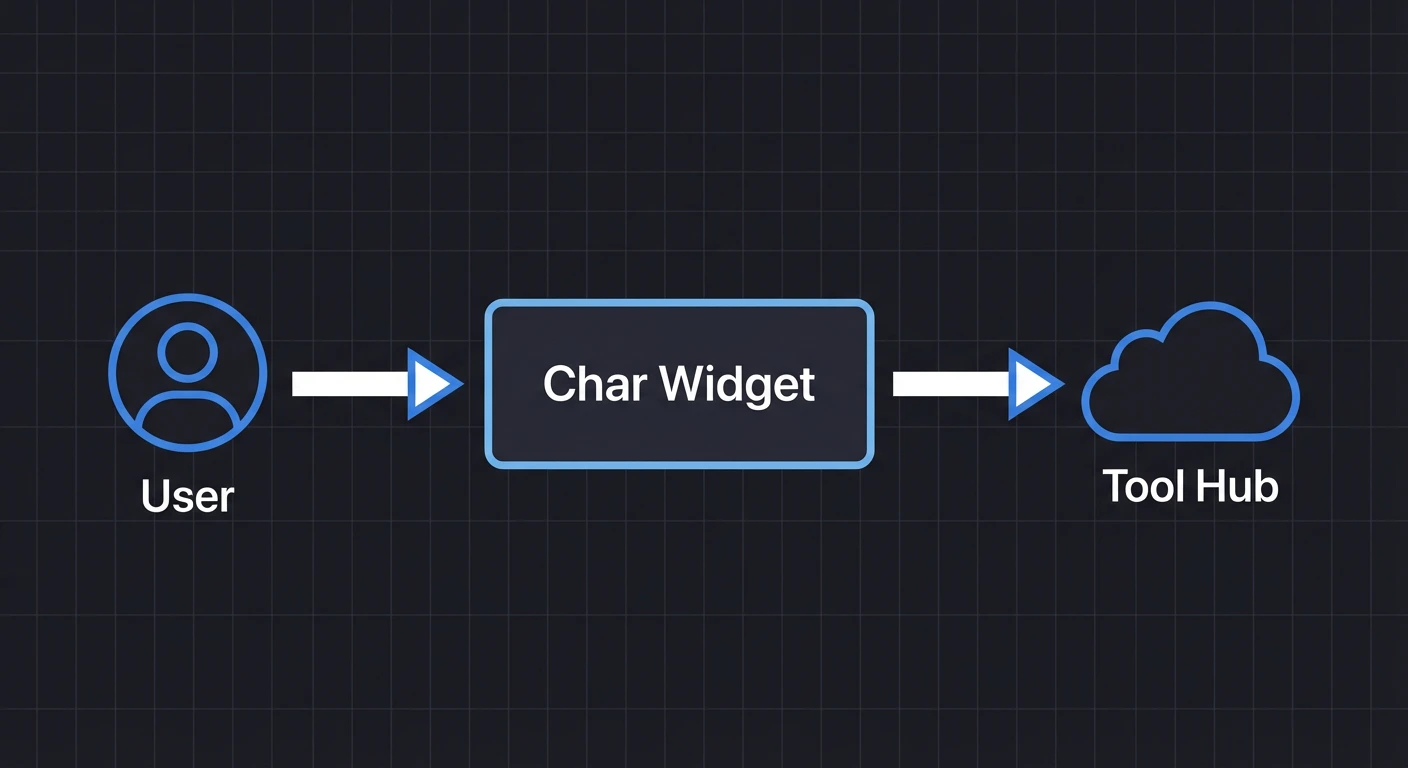
What Char provides
- Embeddable agent — Drop-in web component for any framework
- WebMCP tools — Let the agent interact with your UI
- SSO authentication — Use your existing identity provider
- Organization skills — Guide agent behavior with SKILL.md files
- Cross-app tools — Access tools from multiple browser tabs and remote services
AI-Tested Tools
The AI that writes your tools also tests them. Chrome DevTools MCP lets Claude Code call the exact same WebMCP tools that your embedded agent uses. When Claude writes a tool, it tests it immediately. If Claude can’t use a tool, it fixes it—before your users ever see it.Learn more
Why this changes everything
Get Started
Claude Code Plugin
Two commands. Claude handles the rest.
Manual Installation
Step-by-step setup by hand.
AI Resources
MCP servers, skills, llms.txt, and source links.
How-to Guides
Task-oriented guides for users who already have Char running.WebMCP Tools
Add custom UI actions
Skills
Guide agent behavior
Styling
Theme the agent
Identity Providers
Configure SSO
Auth0, Okta, Azure AD, Google, and more
Enterprise SSO for MCP
Connect internal MCP servers with your IDP (Private Beta)
Explanation
Understanding-oriented content for deeper knowledge.How Char Works
Architecture overview
Tool Hub
Cross-app tool aggregation
Reference
Agent Attributes
Configuration options
MCP Tools
Char SaaS MCP reference
API Reference
REST endpoints