> ## Documentation Index
> Fetch the complete documentation index at: https://docs.usechar.com/llms.txt
> Use this file to discover all available pages before exploring further.
# Introduction
> Char is an embedded AI agent platform with cross-app tools, SSO authentication, and WebMCP browser automation
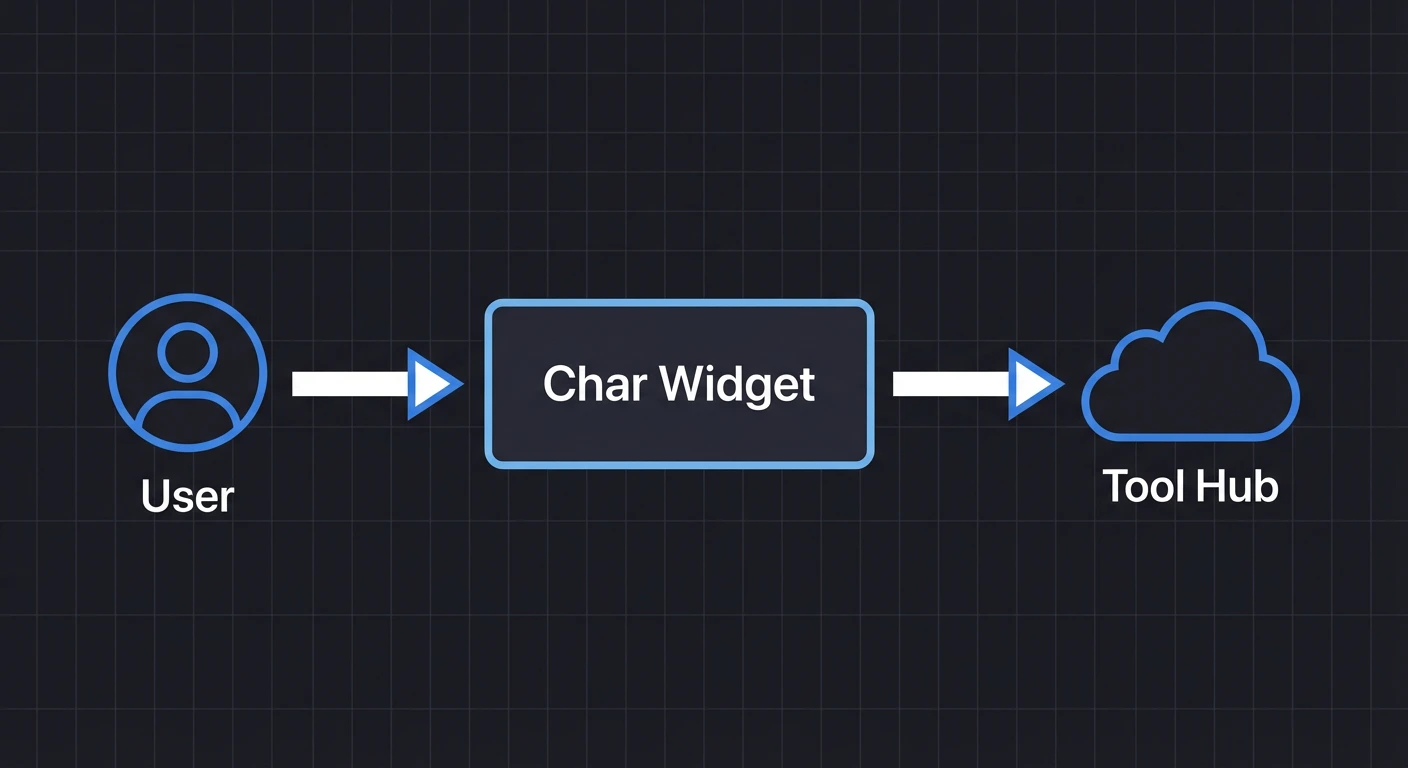 Char is an embedded AI agent that can interact with your web application. Users chat with the agent, and it uses WebMCP tools to fill forms, click buttons, read data, and navigate—all within your UI.
## What Char provides
* **Embeddable agent** — Drop-in web component for any framework
* **WebMCP tools** — Let the agent interact with your UI
* **SSO authentication** — Use your existing identity provider
* **Organization skills** — Guide agent behavior with SKILL.md files
* **Cross-app tools** — Access tools from multiple browser tabs and remote services
## AI-Tested Tools
The AI that writes your tools also tests them.
Chrome DevTools MCP lets Claude Code call the exact same WebMCP tools that your embedded agent uses. When Claude writes a tool, it tests it immediately. If Claude can't use a tool, it fixes it—before your users ever see it.
Why this changes everything
## Get Started
Two commands. Claude handles the rest.
Step-by-step setup by hand.
MCP servers, skills, llms.txt, and source links.
## How-to Guides
Task-oriented guides for users who already have Char running.
Add custom UI actions
Guide agent behavior
Theme the agent
## Identity Providers
Auth0, Okta, Azure AD, Google, and more
Connect internal MCP servers with your IDP (Private Beta)
## Explanation
Understanding-oriented content for deeper knowledge.
Architecture overview
Cross-app tool aggregation
## Reference
Configuration options
Char SaaS MCP reference
REST endpoints
Char is an embedded AI agent that can interact with your web application. Users chat with the agent, and it uses WebMCP tools to fill forms, click buttons, read data, and navigate—all within your UI.
## What Char provides
* **Embeddable agent** — Drop-in web component for any framework
* **WebMCP tools** — Let the agent interact with your UI
* **SSO authentication** — Use your existing identity provider
* **Organization skills** — Guide agent behavior with SKILL.md files
* **Cross-app tools** — Access tools from multiple browser tabs and remote services
## AI-Tested Tools
The AI that writes your tools also tests them.
Chrome DevTools MCP lets Claude Code call the exact same WebMCP tools that your embedded agent uses. When Claude writes a tool, it tests it immediately. If Claude can't use a tool, it fixes it—before your users ever see it.
Why this changes everything
## Get Started
Two commands. Claude handles the rest.
Step-by-step setup by hand.
MCP servers, skills, llms.txt, and source links.
## How-to Guides
Task-oriented guides for users who already have Char running.
Add custom UI actions
Guide agent behavior
Theme the agent
## Identity Providers
Auth0, Okta, Azure AD, Google, and more
Connect internal MCP servers with your IDP (Private Beta)
## Explanation
Understanding-oriented content for deeper knowledge.
Architecture overview
Cross-app tool aggregation
## Reference
Configuration options
Char SaaS MCP reference
REST endpoints